Creative Tools
Custom Plugins and automation for motion design.
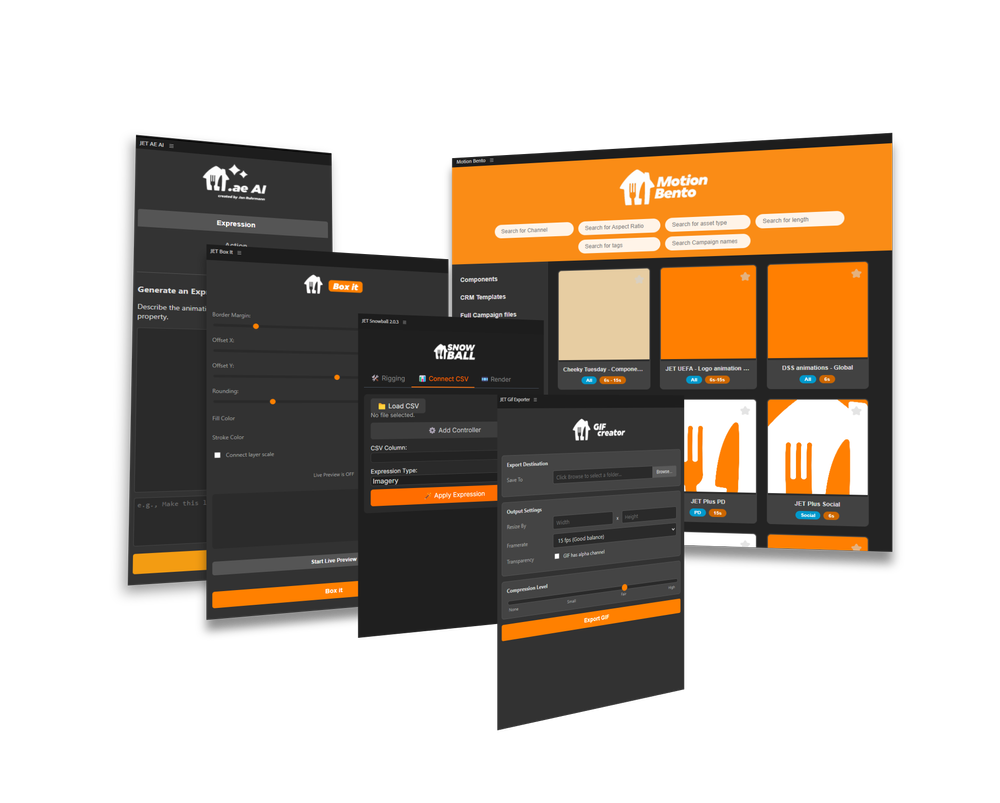
Welcome to my creative tools overview. Here, I showcase the custom solutions and automated workflows I've developed to push the boundaries of motion design and technical efficiency.
Project Snowball
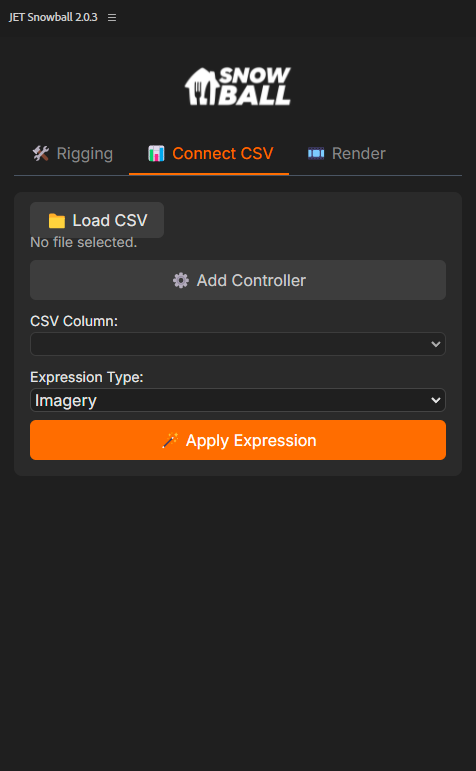
Project Snowball is a custom plugin for After Effects that allows users to easily rig compositions and connect it's values to a Google Drive sheet. This workflow allows a divide in labor between the designer and the Stakeholder, allowing "the boring" work to be done by the machine, changing values in 100s of compositions with one click. This leaves the Designer with a lot more time to focus on the creative aspect of the project. The result is that we are saving a lot of time in production. What used to take 3 Motion Designers 3 weeks in the past now only takes 1 Motion Designer 1 day.
Project Bento
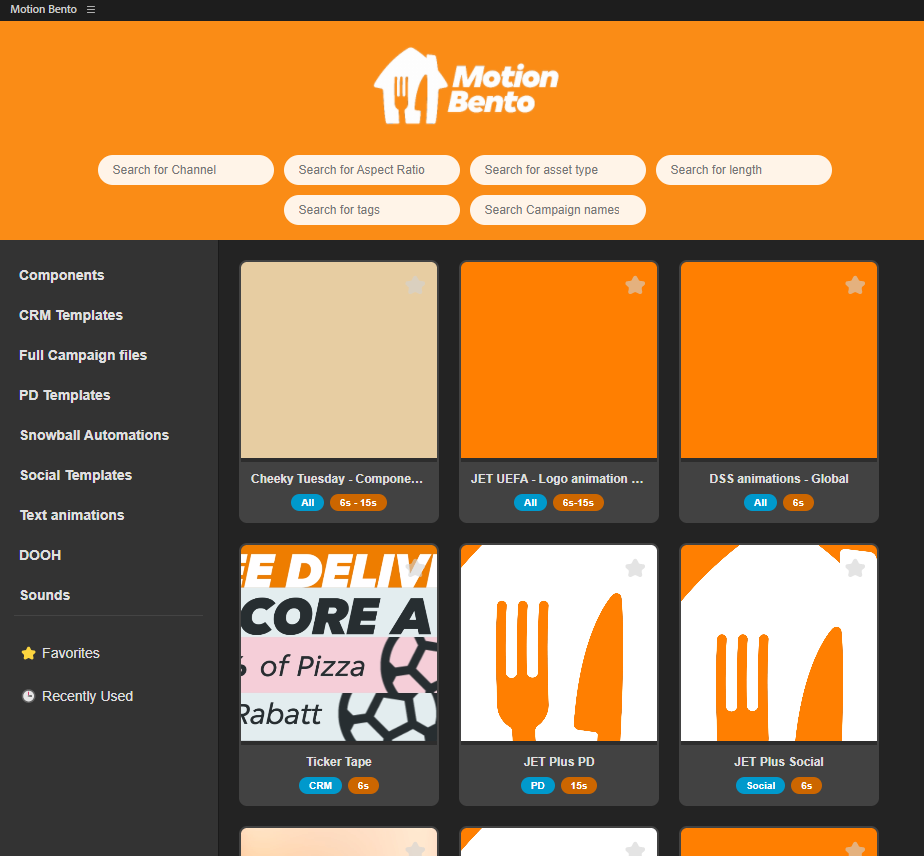
I build a digital asset manager for our teams to be able to find Templates and working files quicker. This tool is both inside of After Effects and a Desktop App to allow everyone to access the repository. With implementation of a AI Agent that can answer complex questions about everyday tasks and search for assets for you depending on your ticket in Jira, this tool comes in handy for both the creative, and the Marketing teams in our company. The tool is powered by Google Drive, reading out of a shared folder that gives an additional layer of security and organization to our assets.
Project Gif
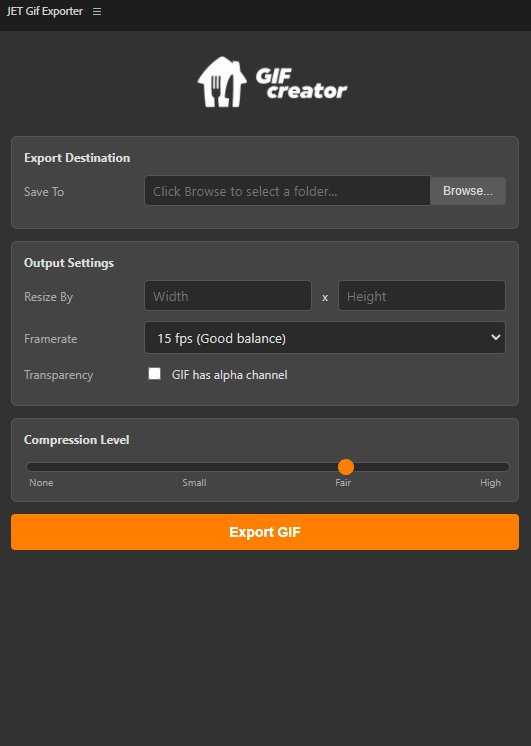
This tool helps Designers and anyone that has issues exporting the right size gifs for our presentation decks and CRM channels. Some of the settings inside of After Effects are quite complicated to master and take a lot of manual input to get the right result. This tool automates the process and allows you to export the right size gif with just a few clicks. It now allows designers to quickly batch export gifs in the 100s which took away a lot of work in the past.
Project AI
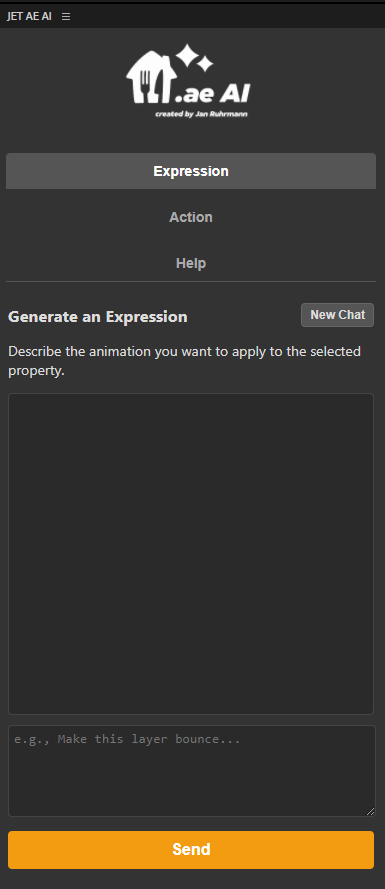
Project AI was the first try to bring Agentic AI into After Effects, being able to help you with everyday tasks and complex expression writing. Using Gemini and tons of research I was able to create this tool that helps the team to understand an issue inside of After Effects, helping them to write an expression from scratch or debug it simply by selecting it, or also do entire tasks by itself like "change the word X in all comps to Y" which comes really in handy. It also allows our Designers to ask questions right away and get precise answers. I can't wait to see what's still possible with this tool in the future.
Project Colour Palette
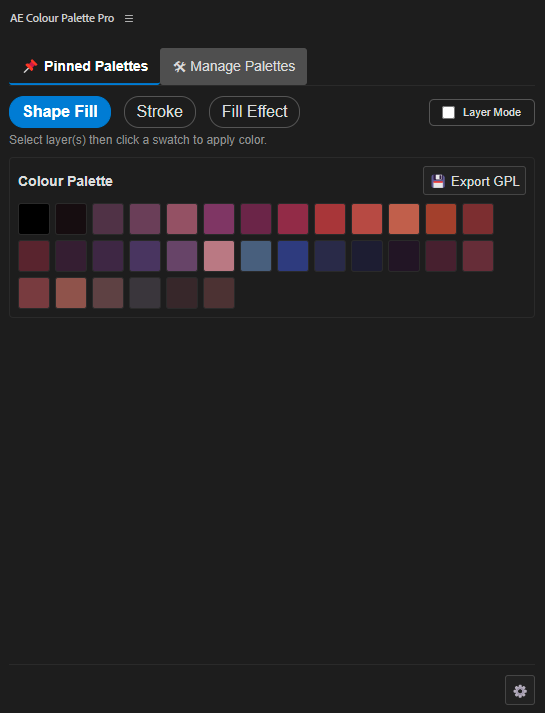
Unfortunatly the After Effects library doesn't support a simple "click the colour and apply it" worfkflow. This tool allows you to import already existing palettes and apply them to your layers by simply pressing the on the colour field. This speeds up the workflow and ensures that brand colours are applied correctly.